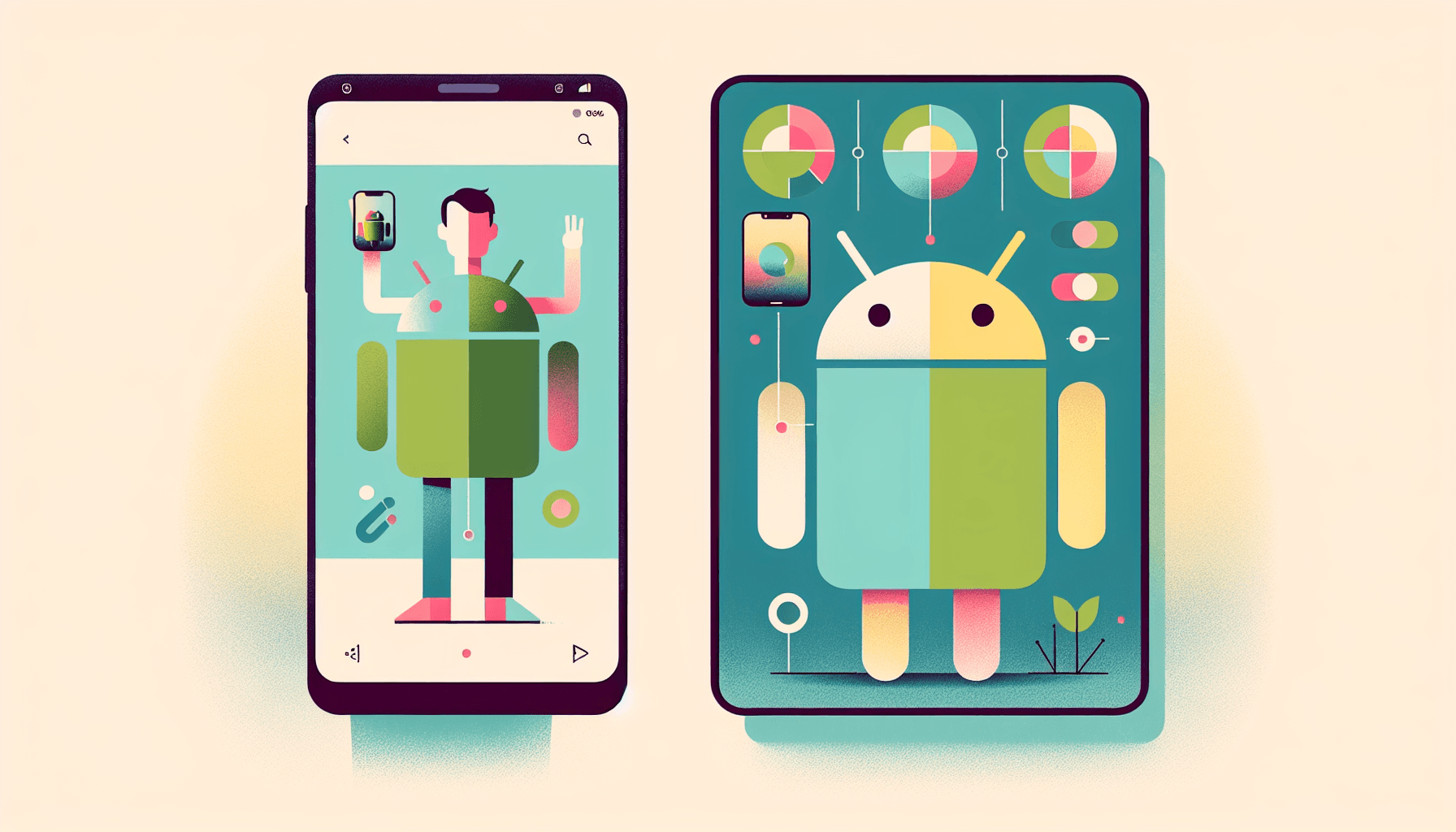
Transform Your Selfies into Android Bots: Discover the New Androidify Powered by Google’s Latest AI
Welcome Back to Androidify: Now Enhanced with AI Magic
If you remember the original Androidify app, you likely enjoyed turning your likeness into a quirky little green Android character. Now, the revamped version is here, powered by Google’s cutting-edge AI technology. This latest app lets you transform selfies into personalized Android bot avatars that not only look incredibly on-brand but also remarkably unique. According to Yahoo Tech, this app utilizes Google’s top generative AI to produce high-quality results that seem like they were crafted by Android’s design team.
In this article, we’ll explain the new features, discuss the underlying technology, highlight important privacy considerations, and provide tips for achieving the best results. We also offer links to primary sources, allowing you to delve deeper into Google’s documented AI models.
What Exactly Is the New Androidify?
The original Androidify debuted in 2011 as a fun way to customize the iconic Android robot. It became a cultural phenomenon before being retired from the Play Store in 2020 (9to5Google). The new version revives this concept with advanced generative AI technology: you simply take a selfie, and the app learns your features, creating a cute, consistent Android bot representation of you in various poses, outfits, and scenes.
What sets this reboot apart is its remarkable quality and consistency. Instead of offering just a single illustration, you can generate a complete collection of Android bots that maintain your likeness across different moods and settings while keeping the recognizable Android look intact. Today’s leading image models excel at this.
Which Google AI Models Are Behind It?
While a full technical specification has not been released by the app creators, various reports and demos hint at the use of Google’s current image and multimodal models. Here’s a quick overview of the components Google has publicly detailed and their relevance:
- Imagen 3: Google’s latest high-fidelity text-to-image model enhances realism, improves text rendering, and minimizes artifacts in fine details, making it ideal for creating clean, brand-consistent illustrations, such as Android bots. Google AI Blog
- StyleDrop: This technique allows the image model to learn a specific visual style (or character identity) from a few examples, generating new images that remain consistent with that style. This ensures that your avatars maintain the same character identity across different poses and scenes. Google AI Blog
- Gemini 1.5: A multimodal model family with long-context reasoning. In this pipeline, Gemini can interpret your guidance, suggest prompts, and manage workflow between face analysis and image generation. Google I/O 2024 and Gemini API
- MediaPipe Face Landmarker: An on-device computer vision component that detects face landmarks and segmentation, used to extract non-sensitive geometry aiding in rendering without storing identifiable facial imagery. MediaPipe
Combining these components helps explain how an app can analyze a selfie, learn your character style, and produce an Android-branded avatar that remains consistent across various images. While the specific methods may vary, Google has demonstrated that Imagen 3, coupled with style tuning, can achieve this level of character consistency.
How Does Turning a Selfie into an Android Bot Work?
Here’s a simplified breakdown of the selfie-to-avatar process, based on the general functionality of Google’s published models and tools:
- Face preprocessing: The app detects facial landmarks and segments the subject using MediaPipe. This initial, on-device step extracts pose and geometry without sending raw face data to the cloud. MediaPipe
- Style learning: Using a technique like StyleDrop, the image generator learns a consistent look for your Android bot, guided by your selfie and inspired by the canonical Android design. Google AI Blog
- Prompting and orchestration: The multimodal model, such as Gemini 1.5, translates your preferences (mood, outfit, background) into precise prompts for Imagen 3 while coordinating multiple renderings to create a complete image set. Gemini API
- Image generation: Imagen 3 produces crisp, brand-consistent outputs that preserve your character identity across variations while maintaining the Android aesthetic. Imagen 3
- Post-processing and export: The app formats the avatars as transparent PNGs, stickers, or GIFs, potentially embedding AI watermarks like SynthID to indicate their AI-generated nature. DeepMind SynthID
It’s important to note that each application may implement these steps differently. The overview provided reflects Google’s publicly documented capabilities rather than a detailed specification of this specific Androidify app.
What Can You Do with Your Android Bot?
The new Androidify enables multiple creative workflows that users expect in a modern avatar app, enhanced by the brand consistency of its design:
- Create multiple versions of your bot for different occasions: casual, formal, sporty, cozy, and more.
- Generate themed packs for holidays or special events.
- Export sticker sheets suitable for messaging apps.
- Save transparent PNGs for use on social media, profiles, or presentations.
- Create simple animated loops or GIFs based on popular poses.
Thanks to the avatars sharing a common style, they look cohesive across group chats or team pages without appearing mismatched.
Why Are the Results So Impressive?
Traditional avatar generators often struggle with maintaining coherence: one image might look fantastic, while the next resembles a slightly different character or cartoon. Google’s latest models address this issue through several means:
- Text adherence and detail: Imagen 3 effectively manages both line art and full-color illustrations with fewer artifacts, ensuring clear edges and readable text when necessary. Imagen 3
- Style-consistent personalization: StyleDrop imparts a narrow, recognizable aesthetic that it maintains across numerous outputs, ensuring all your avatars feel like a single character within one universe. StyleDrop
- Prompt discipline: Structuring prompts using a language model reduces unpredictable variations that can arise from open-ended text, focusing the output space on Android-brand-appropriate results. Gemini API
Privacy and Safety: Key Considerations
Apps utilizing facial recognition merit a careful approach to privacy. Before uploading a selfie to any application, it’s wise to check what data will be collected, where it’ll be stored, and how long it will be retained. Here are helpful steps to take:
- On-device preprocessing: Select apps that process face detection and segmentation locally, transmitting only minimal, non-identifying features to the cloud when necessary. MediaPipe
- Clear data retention policies: Look for applications that either delete uploaded photos and generated avatars after a predefined period or offer users the ability to remove them at any time.
- Transparency about model usage: Apps must disclose if they use your images for training purposes. Opt out when available.
- Review platform policies: On Android, developers are required to share how they handle data in the Google Play Data Safety section. Make sure to assess this before installing. Google Play Data Safety
- Responsible output guidelines: AI images that are watermarked (for example, with SynthID) as well as apps that prevent the generation of inappropriate content are indicators of a commitment to safety. SynthID
The rise in avatar applications over recent years has highlighted the potential pitfalls when privacy is overlooked. Lensa’s viral rollout in 2022 sparked discussions about data usage, artist consent, and content filtering—serving as a cautionary tale for any emerging avatar tools. The Verge
Getting Started and Achieving Great Results
When you gain access to the new Androidify, you’ll find the process straightforward. Here are some tips to enhance the quality and consistency of your avatars:
- Start with a clear selfie: Ensure good lighting, a neutral background, and a straight-on view to help the model accurately capture your face and hair shape.
- Provide 2-3 variations: If permitted, upload several shots with similar looks from slightly different angles. This helps stabilize your identity without causing style confusion.
- Select a base style: Begin with the default Android style before experimenting with outfits and scenes to prevent style drift.
- Iterate gradually: Change one aspect at a time (like pose, outfit, or background) and save your favorites throughout the process.
- Utilize guardrails: Stick to provided templates or prompt presets, as these are designed to keep the output on-brand and minimize odd results.
- Export at maximum resolution: Save a high-resolution transparent PNG for future use in presentations, profile images, or printed materials.
Will It Operate On-Device or in the Cloud?
High-fidelity image generation generally requires cloud processing. However, Android is progressively shifting AI tasks onto devices for enhanced speed and privacy. Google’s Gemini Nano is aimed at on-device tasks like summarization or smart replies, contributing to the expansion of the edge AI toolkit. I/O 2024 and Gemini for Edge
In practical terms, anticipate a hybrid model: simple face processing and prompt management locally paired with image generation happening on secure cloud infrastructure. Over time, expect a shift more towards on-device processing as mobile NPUs and model optimizations improve.
How This Aligns with Google’s AI Strategy
The launch of this app aligns perfectly with Google’s AI roadmap for 2024-2025. During I/O 2024, Google highlighted advancements in Gemini 1.5, Imagen 3, and developer toolsets aimed at creating polished, user-friendly experiences. An Androidify-style app serves as an excellent demonstration: it’s easy to use, provides instant gratification, and showcases the impressive quality and control of Google’s models without needing any technical expertise. Google I/O 2024
For developers, processes like these are becoming more accessible via the Gemini API and related tools. For users, it signals an exciting trend towards AI-generated assets that extend beyond one-time creations, evolving into cohesive personal brands you can utilize across various applications.
Confirmed Details and What to Monitor
Based on available information and reports:
- Confirmed: Google has officially documented Imagen 3 and StyleDrop, which collectively enable high-quality, style-consistent avatar creation. Imagen 3, StyleDrop
- Confirmed: The original Androidify app existed and was removed from the Play Store in 2020. 9to5Google
- Reported: A new version of Androidify employs Google’s latest models to convert selfies into custom Android bots. Yahoo Tech
Details regarding exact model versions, whether processing occurs on-device or in the cloud, and data retention practices will depend on the final app release and its documentation. Always review the app’s privacy policy and Play Store listing for up-to-date information.
Utilizing Your Avatar Beyond Entertainment
Personal avatars have evolved from mere novelties to practical identity tools:
- Work profiles: Maintain a friendly, consistent look in internal communications, team pages, and presentation materials.
- Creators and streamers: Develop a recognizable character that spans across thumbnails, merchandise, and channel visuals.
- Education: Employ school-safe avatars for student assignments or privacy-focused yearbooks.
- Events and communities: Create themed sets for hackathons, meetups, or clubs.
Consistency is key. With a well-tuned style, your Android bot transforms into a portable brand that feels cohesive no matter where you use it.
Guidelines for Teams and Brands
Planning to implement this for a group? Here are a few tips to maintain brand consistency:
- Create a shared style preset and lock it in for the entire team.
- Provide a brief glossary of names and terms to ensure consistent text usage.
- Establish standards for resolution and file formats so that assets align with slide templates and websites.
- Decide on how to credit AI-generated content and whether to include watermarks.
The Future of Avatar Generation
Expect rapid advancements in AI-powered avatar tools. Look forward to:
- Improved on-device generation as Android devices become equipped with faster NPUs for image generation.
- Enhanced animation including short video loops using text-to-video models like Google’s Veo as it scales in availability. I/O 2024
- Deeper app integrations so your avatar can be accessed in Messages, Gmail signatures, and Workspace with just a click.
- More robust safety measures, such as built-in watermarking and content filters by default.
In Conclusion
The new Androidify perfectly blends nostalgia with innovative AI capabilities. By leveraging Google’s latest image and multimodal models, it creates avatars that are both fun and polished, with a level of consistency that past tools could not achieve. Stay mindful of privacy settings, adhere to the app’s guidelines to stay on-brand, and most importantly, enjoy the experience of turning your selfies into Android bots that can be used virtually anywhere.
FAQs
Is the new Androidify app fully functional on my phone?
Most high-fidelity image generation processes occur in the cloud. Expect a hybrid model: light face analytics on-device, with extensive image generation managed in the cloud. This could evolve as Android’s on-device AI capabilities grow. Gemini for Edge
Which Google models are utilized in the new Androidify?
Reports indicate the use of Google’s latest image models, including Imagen 3 enhanced with style tuning and Gemini for orchestration tasks. Each component has been documented by Google, although the specific implementation may vary across applications. Imagen 3, StyleDrop, Gemini API
Will my selfies be used for AI training purposes?
Policies may differ. Consult the app’s privacy policy and check for opt-out options. Look for clear information regarding data retention and whether images will be utilized for training. On Android, pay attention to the Data Safety section prior to installation. Google Play Data Safety
Is an iOS version available?
The availability of an iOS version may change over time. Check the official developer listing for the latest support status on both Android and iOS.
Can I use the avatars for commercial purposes?
This depends on the app’s licensing agreements and Android brand guidelines. For public or commercial use, review the terms, any restrictions regarding brand usage, and whether AI-generated images need watermarks. SynthID
Sources
- Yahoo Tech – New Androidify App Uses Google’s Best AI Models To Turn Your Selfies Into Cute, Custom Android Bots
- Google AI Blog – Imagen 3
- Google AI Blog – StyleDrop: Text-to-Image Generation in Any Style
- Google I/O 2024 Keynote Highlights
- Google AI – Gemini API
- MediaPipe Solutions – Face Landmarker
- Google DeepMind – SynthID
- 9to5Google – Androidify Removed from the Play Store
- The Verge – Lensa AI Avatars Privacy and Artist Concerns
Thank You for Reading this Blog and See You Soon! 🙏 👋
Let's connect 🚀
Latest Insights
Deep dives into AI, Engineering, and the Future of Tech.
I Tried 5 AI Browsers So You Don’t Have To: Here’s What Actually Works in 2025
I explored 5 AI browsers—Chrome Gemini, Edge Copilot, ChatGPT Atlas, Comet, and Dia—to find out what works. Here are insights, advantages, and safety recommendations.
Read Article


