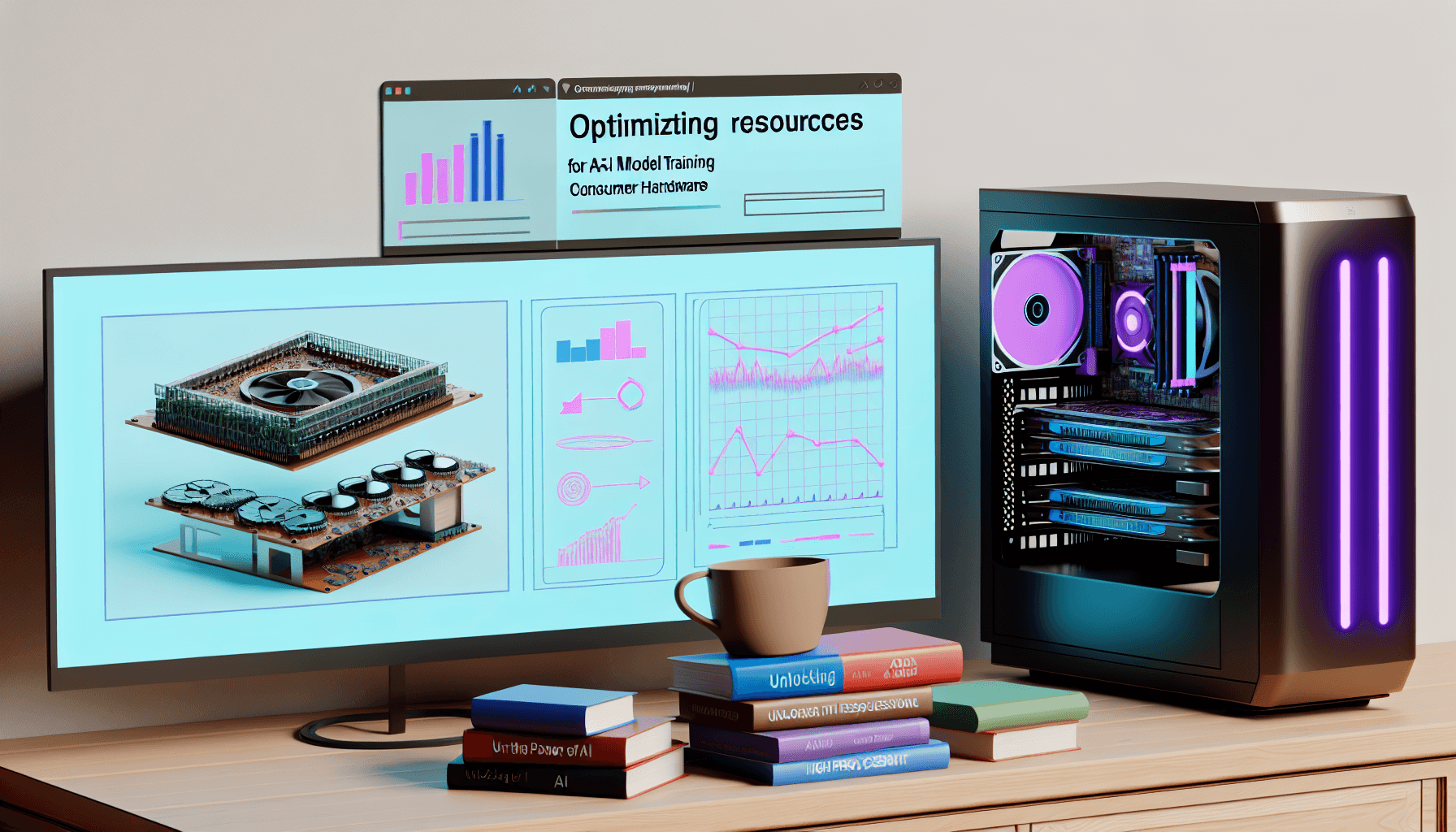
Unlocking the Power of AI: Training Large Language Models on Consumer Hardware
Introduction to Large Language Models
Large Language Models (LLMs) like GPT (Generative Pre-trained Transformer) and BERT (Bidirectional Encoder Representations from Transformers) are revolutionizing how we interact with technology. These models, which underpin applications such as chatbots, translators, and content generators, require substantial computational power. While traditionally the domain of powerful servers, advancements in technology have now made it feasible to train these models on consumer-grade hardware.
Understanding the Challenges
Training LLMs requires processing vast datasets and involves extensive computations, typically necessitating robust hardware setups. Consumer hardware, although improving, poses limitations in processing power, memory capacity, and cooling systems compared to dedicated AI training servers.
Essential Hardware for AI Training
The key to effectively training LLMs on consumer hardware lies in understanding and optimizing the resources available. Crucial components include:
- High-performance GPUs: Graphics Processing Units (GPUs) are essential for accelerating the training process. Consumer GPUs like NVIDIA’s RTX series can be effective for smaller models.
- Sufficient RAM: Adequate Random Access Memory (RAM) ensures smooth data processing. At least 16GB of RAM is recommended, though more may be necessary depending on the model size.
- Fast Storage Solutions: Solid State Drives (SSDs) are recommended for faster data fetch speeds during training cycles.
Software and Tools for Training
Various software solutions and development tools can aid in training LLMs on consumer-grade hardware. Key tools include:
- TensorFlow and PyTorch: These libraries provide robust frameworks for building and training machine learning models on a variety of hardware setups.
- Containerization technologies: Docker and Kubernetes can help in managing software dependencies and scaling the training process across multiple local machines if necessary.
Optimizing Training Processes
Training LLMs on consumer hardware also requires optimization techniques to enhance efficiency and reduce time. Techniques include:
- Data batching: Organizing data into batches can significantly improve training efficiency on limited hardware.
- Model pruning: Simplifying the model by pruning unnecessary neurons can decrease computational requirements without substantial impact on performance.
- Transfer learning: Using a pre-trained model and fine-tuning it for specific tasks can save training time and resource consumption.
Practical Tips for Setting Up Home Training Rigs
To set up an effective training rig at home, consider:
- Good cooling: Ensure adequate cooling systems to prevent overheating, particularly during long training sessions.
- Power supply: A reliable, high-wattage power supply is crucial, especially when running high-end GPUs.
- Regular updates: Keep software, drivers, and tools regularly updated to ensure compatibility and efficiency.
Case Studies and Real-World Examples
Several enthusiasts and small teams have successfully trained smaller LLMs on consumer hardware. Examples include independent researchers who have retrained models like GPT-2 for niche applications using desktop setups. Their experiences underscore the importance of iterative testing, resource management, and community support.
Conclusion
While there are clear challenges to training large language models on consumer hardware, it is increasingly feasible with careful planning and optimization. By selecting the right hardware, utilizing efficient training practices, and leveraging community knowledge, dedicated individuals can participate in the AI development arena, contributing to the ever-evolving landscape of artificial intelligence.
Further Reading and Resources
For those interested in diving deeper into training large language models on consumer hardware, numerous resources are available. Comprehensive guides, forums like Reddit’s r/MachineLearning, and online courses can provide additional insights and support.
Thank You for Reading this Blog and See You Soon! 🙏 👋
Let's connect 🚀
Latest Insights
Deep dives into AI, Engineering, and the Future of Tech.
I Tried 5 AI Browsers So You Don’t Have To: Here’s What Actually Works in 2025
I explored 5 AI browsers—Chrome Gemini, Edge Copilot, ChatGPT Atlas, Comet, and Dia—to find out what works. Here are insights, advantages, and safety recommendations.
Read Article


