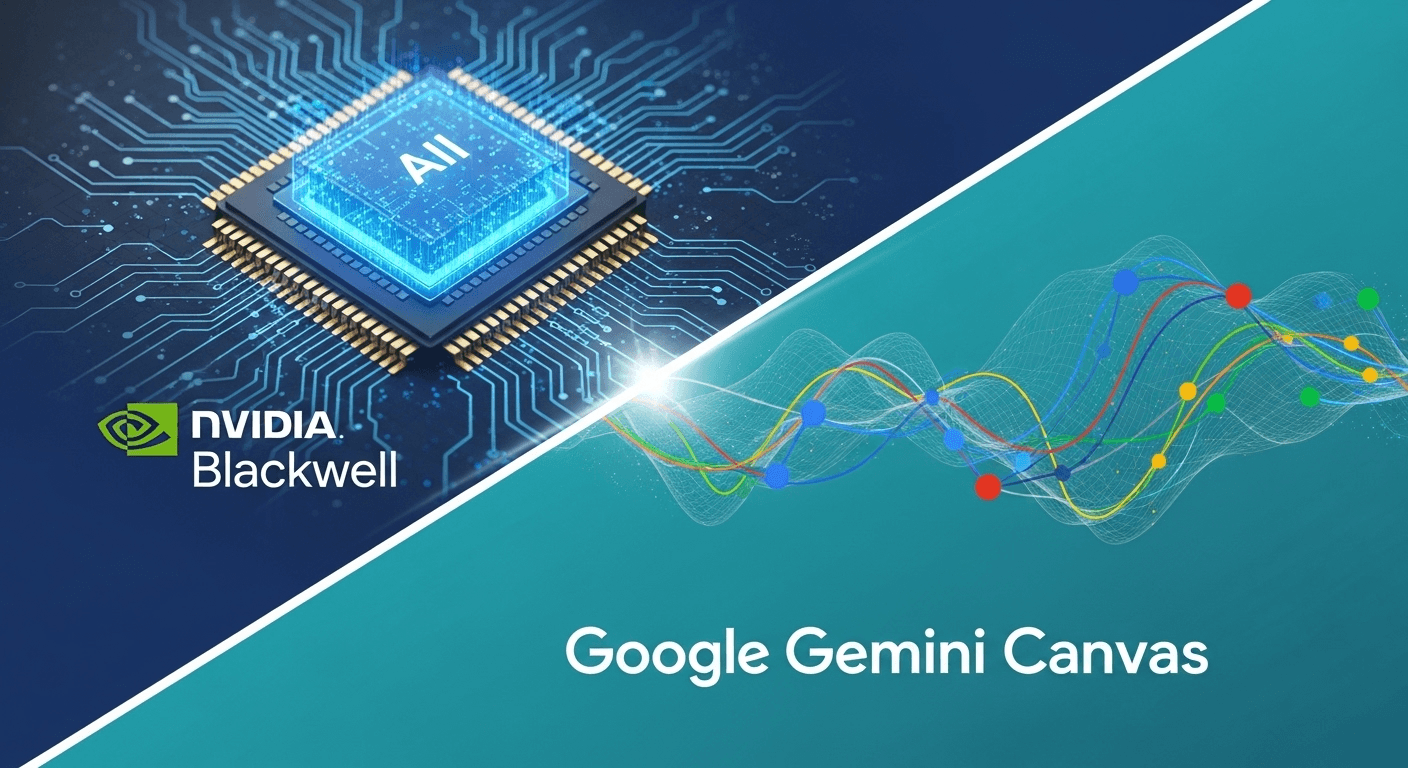
Nvidia’s Latest AI Chips and Google’s Gemini Canvas: Simplified Insights
Why Speed and Visuals Matter in AI
The evolution of artificial intelligence heavily relies on two key elements: powerful computing and effective user interfaces. Nvidia’s newest AI chips serve as the driving force behind cutting-edge models, while Google’s Gemini Canvas introduces an innovative workspace that enhances our interaction with these models. Together, they suggest that the future of AI will be both highly capable and genuinely beneficial for everyday tasks.
This guide will clarify what Nvidia’s new Blackwell platform entails, why it has captured the industry’s attention, and the unique features that Google’s Canvas offers. We’ll keep it practical and straightforward, with links to credible resources for those who want to explore further.
Understanding Nvidia’s New AI Chips
Nvidia is a powerhouse in the AI landscape. Its GPUs are critical for training and deploying most large language models (LLMs) that are making headlines today. In March 2024, the company unveiled its next-generation platform, Blackwell, featuring the B200 GPU and the GB200 Grace Blackwell superchip. The aim? To train larger models more rapidly and run them efficiently in real-world applications.
Introducing Blackwell: The B200 and GB200
Blackwell isn’t just a single chip; it’s a full platform. The B200 GPU brings enhanced data types and memory architectures optimized for large transformer models. Additionally, Nvidia introduced the GB200, which connects two B200 GPUs with a Grace CPU using high-speed interconnects. Think of GB200 as an integrated computing unit designed for expansive scalability.
Nvidia claims that Blackwell can yield significant efficiency improvements for LLMs, offering up to 25 times lower costs and energy requirements for inference compared to the previous generation H100 in specific workloads. This is crucial, as the ongoing expenses of AI largely stem from running models for millions of users daily. Learn more about the Blackwell announcement here.
Scalable Systems
Chips are only part of the equation. Nvidia also revealed complete systems like the DGX GB200 NVL72—an extensive liquid-cooled setup connecting numerous Blackwell GPUs with quick networking and memory capabilities. If you envision a compact data center in a box, you’re on the right track. These systems are essential for hyperscalers and large enterprises to train and deploy advanced models. Discover more about the DGX GB200.
How Blackwell Compares to H100/H200
Nvidia’s previous H100 GPU played a pivotal role in the generative AI surge. The H200, introduced in late 2023, enhanced memory capacity and bandwidth for larger context sizes and quicker retrieval. Blackwell further advances computing and memory, incorporating new precision formats that balance speed and accuracy for transformers. Notably, it not only boosts raw speed but also reduces costs per generated token and power consumption per model query. Check out the H200 overview.
Understanding Importance: Training vs. Inference Economics
A considerable portion of AI expenses comes from inference—responding to user prompts consistently. Even small efficiencies at the chip and system level lead to substantial savings when catering to billions of tokens. Blackwell promises that companies can maintain high model quality while lowering their operational costs. Expect this to expedite the introduction of advanced features in consumer applications and enterprise tools. Read more on this from Reuters.
AI Hardware Beyond Nvidia
The race for top-notch AI hardware is crowded, which is a boon for innovation and pricing.
- AMD MI300X: AMD’s data center GPU focuses on extensive on-package memory, which is advantageous for large context windows and fast retrieval. It’s increasingly adopted for LLM inference. Explore the AMD MI300X.
- Google Cloud TPU v5p: Google’s latest TPUs for training offer higher throughput than previous generations, supporting many of Google’s own Gemini models. Learn about the TPU v5p.
- Custom Silicon: Major platforms are co-designing chips and software stacks, resulting in more choices: Nvidia for general flexibility, TPUs for Google-centric workloads, AMD for memory-intensive inference, along with domain-specific accelerators emerging for search, vector databases, and video.
Competition drives performance and efficiency improvements, ultimately benefiting features that users can take advantage of.
The Role of Software
While hardware draws attention, software is what makes it practical. Nvidia’s edge isn’t solely in its chips but also in its established CUDA ecosystem and a growing array of services.
- CUDA and Libraries: Years of developer tools facilitate math, memory, and scheduling, making it simpler to optimize and port models.
- Triton Inference Server: This open-source server enables teams to deploy multiple models efficiently on shared GPUs. View Triton Inference Server on GitHub.
- NVIDIA NIM: Microservices introduced at GTC 2024 that provide optimized inference endpoints for popular models, streamlining deployment. Discover NVIDIA NIM.
Why does this matter? If you’re planning an AI integration, robust software tools can save significant engineering time and reduce the number of GPUs required.
Exploring Google’s Gemini Canvas
On the user experience front, Google is rolling out Gemini Canvas—a freeform workspace that allows you to brainstorm, iterate, and interact with Gemini’s outputs in a more visual manner. Unlike traditional chat-only responses, Canvas lets you arrange ideas like a dynamic whiteboard, continuously refining them with the model as you go. Coverage: The Verge, Google.
Key Features of Canvas
- Think Beyond a Thread: Pin ideas, rearrange sections, and develop a plan while you prompt.
- Multimodal Capabilities: Incorporate text, images, simple sketches, or screenshots, and ask Gemini to organize or generate new visuals.
- Rapid Iteration: Use the board as a living document—request variations, view side-by-side comparisons, and maintain context.
Canvas is designed to bridge the gap between your thoughts and the model’s output. As AI models become faster and cost-effective due to advanced chips, these interactive environments will begin to feel instantaneous.
Availability of Canvas
Google is gradually integrating Canvas within the Gemini offerings, beginning with Gemini Advanced subscribers and features tied to Workspace. The aim is to complement chat functionalities with a more versatile board. Sources: The Verge, Google.
Long-Context Integration
Canvas works seamlessly with long-context models like Gemini 1.5 Pro, which supports million-token context windows, allowing users to engage with extensive documents, large codebases, or lengthy audio effectively. Google has also previewed support for context windows up to two million tokens in limited settings, making it possible to drop a bunch of material into a board and continue working without constant re-uploads. Find out more about Gemini 1.5 from Google DeepMind.
Why These Developments Matter Together
It’s easy to view chip advancements and user interfaces as separate entities, but they are closely linked. Faster, more efficient GPUs reduce the cost and latency of model calls, enabling visual, iterative tools like Canvas to become more fluid and natural. This synergy transforms generative AI from a novelty to essential infrastructure.
Here’s what to expect as the Blackwell hardware meets Canvas workflows:
- Reduced Latency: Boards update quicker, allowing for smoother creative processes.
- Lower Cost per Session: Teams can keep larger models engaged longer without inflating costs.
- Expanded Contexts: High-memory accelerators make million-token sessions more feasible.
- Enhanced Multimodal Use: Affordable compute makes integrating image, audio, and video models within the same workspace practical.
Practical Applications You Can Implement Now
For Product and UX Teams
- Integrate screenshots and user feedback into a Canvas board. Ask Gemini to identify pain points, suggest workflows, and create copy variations.
- Compare competitor pages side-by-side, gather insights, and develop a checklist for upcoming sprints.
For Marketing and Content Creation
- Gather campaign briefs, audience profiles, and previous success stories. Let Gemini draft a skeleton for a campaign, including headlines and A/B testing concepts.
- Refine tone and messaging directly in the board while keeping track of the most effective variations.
For Data and Operations
- Compile operational SOPs and vendor contracts. Request a consolidated playbook that outlines possible exception paths.
- Upload data visualizations and summaries. Ask Gemini to identify trends and propose follow-up questions or small experiments based on them.
For Education and Training
- Educators can design lesson plans using readings, diagrams, and prompts. Request quizzes that cater to different learning levels.
- Students can paste notes and diagrams, seeking explanations or analogies, thus shaping a personalized study map.
Your AI Rollout Strategy: A Quick Checklist
If you are planning a 6-12 month roadmap, consider the following steps to align hardware, software, and user experience:
- Outline Objectives: Identify which workflows can benefit from AI collaboration and whether chat or visual Canvas interfaces are better suited.
- Analyze Usage Patterns: Document token volumes, peak usage, and latency thresholds to guide your choices of accelerators and instance types.
- Select Models: Balance quality with cost and context needs, considering long-context models for extensive documents.
- Determine Serving Stack: Choose between Triton, NIM, or managed services from your cloud provider and ensure you plan for scalability and monitoring.
- Test with Canvas UX: Engage real teams in the process to highlight gaps and identify areas that require structured prompts.
- Implement Governance Measures: Decide how data is managed, what remains client-side, how to redact sensitive information, and how to log interactions.
Cost Considerations, Privacy, and More
Cost and Availability Insights
Nvidia has announced that systems based on Blackwell will begin to roll out in 2024, with broader accessibility set for 2025. Given the high demand from hyperscalers and enterprises, lead times may vary. Keep an eye out for cloud providers offering Blackwell instances as they become available. Follow this report by Reuters for updates.
Data Security and Managing Enterprise Controls
When integrating Gemini into Google Workspace, Google ensures that enterprise data protection measures are in place, including data segregation and customer control over data retention. It’s crucial to review your settings before using production data with AI tools. Read more on the Google Workspace blog.
Model Quality and Accuracy
Despite advancements in computing, models can still generate inaccuracies. Combine generative results with verified sources, log citations, and establish human-in-the-loop review systems when precision is crucial. Efficient hardware also facilitates retrieval-augmented generation (RAG) at scale.
What to Monitor Next
- Blackwell Deployments: Expect announcements from cloud providers regarding general availability zones and instance types throughout 2024 and 2025.
- AMD and TPU Futures: Anticipate more memory per accelerator and improved interconnects impacting the optimal choices for training versus inference.
- Gemini Canvas Development: Watch for deeper integrations with Workspace, along with new features for collaboration as Canvas expands its reach.
- Long-Context Norms: As million-token contexts become standard, workflows that traditionally required multiple sessions will transform into single sessions.
Conclusion
Advancements in chip technology pave the way for more sophisticated AI capabilities, while improved interfaces enhance usability. Nvidia’s Blackwell platform aims to scale the backend of intelligence—delivering larger volumes of data more efficiently and affordably. On the other hand, Google’s Gemini Canvas focuses on the frontend—providing users a collaborative space to interact with models rather than merely engaging in chat. If you’re involved in AI development or deployment, it’s important to consider both aspects for maximizing your efforts.
Frequently Asked Questions
What is Nvidia Blackwell in a nutshell?
Blackwell is Nvidia’s next-generation AI computing platform, featuring the B200 GPU and GB200 superchip, designed for faster and more efficient training and serving of large models compared to the H100/H200 line. Explore Nvidia’s resources.
How does Gemini Canvas differ from chat?
Canvas offers a visual workspace for organizing ideas, drafts, and references, allowing for contextual iteration with the model, rather than simply scrolling through a lengthy chat thread. Discover more insights from The Verge.
Is a Blackwell-class GPU necessary for using Canvas?
No, Canvas operates on Google’s infrastructure. However, enhancements like Blackwell ensure that the models powering Canvas features become faster and more cost-effective across the industry.
What about AMD MI300X or Google TPUs?
Both serve as robust alternatives in the data center. AMD’s MI300X excels in inference with large memory capacities, while Google’s TPU v5p is instrumental for many of Google’s model training efforts. Your choice will depend on specific models, context requirements, and software infrastructure. Learn more about AMD. Learn more about Google’s Cloud TPUs.
When will Blackwell be widely accessible in the cloud?
Nvidia and its partners indicated that Blackwell systems will be introduced in 2024, with general availability expected by 2025, depending on demand and supply dynamics. Keep an eye on your cloud provider’s announcements for updates. Stay updated through Reuters.
Sources
- Nvidia – Blackwell platform announcement (Mar 2024)
- Nvidia – DGX GB200 NVL72 system
- Nvidia – H200 GPU overview
- NVIDIA NIM microservices
- Triton Inference Server (GitHub)
- Reuters – Nvidia unveils next-generation Blackwell chips
- Google Cloud – Introducing Cloud TPU v5p
- Google DeepMind – Gemini 1.5 Pro long-context
- Google – Gemini Advanced and Canvas overview
- The Verge – Gemini Advanced, Gems, and Canvas coverage
- AMD – Instinct MI300X product page
- Google Workspace blog – Gemini for Workspace updates
Thank You for Reading this Blog and See You Soon! 🙏 👋
Let's connect 🚀
Latest Insights
Deep dives into AI, Engineering, and the Future of Tech.
I Tried 5 AI Browsers So You Don’t Have To: Here’s What Actually Works in 2025
I explored 5 AI browsers—Chrome Gemini, Edge Copilot, ChatGPT Atlas, Comet, and Dia—to find out what works. Here are insights, advantages, and safety recommendations.
Read Article


