Make ChatGPT Sound More Human: A Practical Guide to Custom Instructions
Want more human, on-brand AI? Start with Custom Instructions
Ever ask ChatGPT for help and think, “That sounds… robotic”? You're not alone. The fastest way to make AI feel more human—and more useful—is to teach it how to work with you. That’s exactly what ChatGPT’s Custom Instructions do: they set your default preferences so every conversation starts with your goals, audience, tone, and constraints baked in.
This guide turns the ideas behind “taming the beast” into a practical playbook. You’ll learn what to include, what to avoid, and how entrepreneurs and professionals can craft instructions that deliver consistent, credible results.
What are Custom Instructions, exactly?
Custom Instructions let you tell ChatGPT two things:
- About you: Who you are, your goals, your audience, and key context.
- How to respond: Tone, format, length, guardrails, and what to ask before answering.
Once set, these preferences apply to new chats so you don’t have to repeat yourself. OpenAI introduced the feature to help users get more personalized, consistent results without re-prompting each time (OpenAI).
Why Custom Instructions matter
- Consistency: Brand voice, spelling (US vs. UK), and formatting stay the same across tasks.
- Speed: Less back-and-forth and fewer rewrites.
- Fit-for-purpose: Responses match your audience (e.g., executive summary vs. detailed briefing).
- Fewer mistakes: Clear guardrails reduce fluff, hallucinations, and off-topic tangents.
- Reusability: Save time by reusing a “house style” across projects and teams.
How to craft effective Custom Instructions
Think of Custom Instructions as your evergreen prompt. Make them specific, useful, and short enough to be remembered. Here’s a template you can copy and adapt.
Field 1: “What would you like ChatGPT to know about you to provide better responses?”
- Who you are: Role, industry, and experience level.
- Audience: Who the content is for (execs, customers, developers, students).
- Goals: What success looks like (conversion, clarity, compliance, speed).
- Constraints: Word count, reading level, region, tone, examples to prefer.
- Context: Products, services, tools, or frameworks you use.
Example: “I’m a solo SaaS founder writing landing pages and investor updates. My audience is non-technical executives and SMB buyers in the US. I value clarity, credibility, and brevity.”
Field 2: “How would you like ChatGPT to respond?”
- Voice & tone: E.g., “warm, professional, and plain language; US English.”
- Structure & format: Headlines, bullets, numbered steps, and short paragraphs.
- Evidence: Cite reputable sources with links when making claims or using data.
- Boundaries: If unsure, ask up to 3 clarifying questions. Don’t fabricate stats or sources.
- Delivery: Provide a concise answer first, then optional detail. Offer a checklist when helpful.
Example: “Use short paragraphs, bullets, and examples. Provide 1–2 credible sources for key claims. Ask clarifying questions before drafting if requirements are incomplete.”
High-impact examples by role
For entrepreneurs
“I run a DTC skincare brand. Audience: busy women 25–40. Goal: clear, trustworthy copy that drives sign-ups. Constraints: US English, 6th–8th grade reading level, avoid medical claims, cite sources for ingredients.”
- Ask for: product pages, emails, landing page variants, value props.
- Require: benefit-led copy, social proof, and a quick AB test plan.
For marketers
“I produce content for a B2B SaaS blog. Tone: helpful, not hypey. Format: H2/H3s, bullets, 1–2 charts suggestions. Include internal link opportunities.”
- Ask for: briefs, outlines, CTAs, SEO title/slug/description, schema suggestions.
- Require: keyword variations woven naturally; list assumptions and gaps to research.
For product managers
“I write PRDs and stakeholder updates. Audience: executives and engineers. Provide crisp summaries first, then technical details. Highlight risks, trade-offs, and open questions.”
- Ask for: PRD templates, acceptance criteria, user stories, meeting summaries.
- Require: impact estimates as ranges with assumptions; call out dependencies explicitly.
For consultants
“I produce client memos. Use MECE structure, bullets, and an executive summary. Flag where data is uncertain and propose next steps.”
- Ask for: issue trees, interview guides, fact packs, slide outlines.
- Require: clear sourcing and alternative hypotheses where evidence is thin.
Best practices that make a big difference
- Be concrete: “Use US spelling, 1,000–1,200 words, H2/H3 headings, bullets, examples.”
- Define success: “Optimize for clarity and actionability, not flair.”
- Tell it what to avoid: “No generic fluff, no made-up stats, no medical/financial advice.”
- Make it ask questions: Invite clarifying questions when the brief is incomplete.
- Specify sources: Ask for reputable sources and simple, clickable citations.
- Keep it short: Long, rambling instructions get ignored; update as your needs evolve.
Common pitfalls (and easy fixes)
- Overstuffing: Too many rules conflict. Keep a primary goal and 3–6 prioritized constraints.
- Vagueness: “Make it great” means nothing. Say “write for busy execs, max 300 words.”
- Outdated info: Refresh your instructions as products, policies, or audiences change.
- False precision: Don’t force exact numbers when you lack data; ask for ranges and assumptions.
- Privacy misses: Avoid sensitive details. Review data controls in your settings and team policies.
Privacy, safety, and trust
Never include passwords, confidential client data, or anything you wouldn’t put in an email. Review your organization’s AI policy and OpenAI’s privacy and data controls to understand how chat history is stored and how training controls work (OpenAI Help Center). If you need extra safeguards, keep instructions high level and paste sensitive specifics only into approved tools or redacted sections.
A simple, reusable template
Paste this into your Custom Instructions and edit:
About me: I am [role] at [company] in [industry]. My audience is [audience]. My goals are [goals]. Constraints: [region/spelling], [reading level], [formats], [length].
How to respond: Use [tone] in [language]. Structure with [H2/H3], bullets, and examples. Start with a brief summary, then details. Ask up to 3 clarifying questions if information is missing. Cite 1–2 credible sources with links for claims or data. Do not fabricate quotes, statistics, or references. When uncertain, say so and propose how to validate.
Iterate like a pro
- Test small: Run the same task with and without your instructions to see the delta.
- Tune and trim: Keep what improves quality; cut what adds bloat or conflicts.
- Version your setup: Keep a changelog in a note; name versions by date and purpose.
- Share with your team: If you need a reusable, sharable setup, consider packaging instructions into a custom GPT for your team (OpenAI: GPTs).
Advanced tips for power users
- Style guide: Include a short voice-and-style guide (e.g., “Plain language, verbs first, remove filler words”).
- Formatting specs: Define deliverables: “Give me SEO title, slug, meta description, H2/H3s, and a 5-bullet summary.”
- Reasoning scaffolds: Ask for “succinct reasoning in bullets” rather than long internal step-by-step chains.
- Prompt hygiene: Start tasks with a quick recap request: “First restate your understanding in 3 bullets.”
- Domain rigor: For regulated spaces, require citations and clearly labeled assumptions. When browsing or tools are disabled, require the model to flag uncertainty and suggest verification steps.
Helpful resources to go deeper
- OpenAI: Introducing Custom Instructions for ChatGPT – Official feature overview and usage.
- OpenAI Help Center: Data controls & privacy – How chat history and training settings work.
- Nielsen Norman Group: Prompting best practices – UX-backed guidance for clearer prompts.
- Microsoft Learn: Prompt engineering – Practical patterns, constraints, and structure.
- Harvard Business Review: How to use ChatGPT at work – Business-focused guidance and pitfalls.
- Anthropic: Prompt engineering guide – Cross-vendor techniques you can adapt to ChatGPT.
Conclusion: Make AI your collaborator, not a wildcard
Custom Instructions are a simple lever with outsized impact. When you define your audience, voice, and boundaries upfront, ChatGPT stops guessing and starts collaborating. Keep your instructions short, specific, and living—update them as your goals evolve. That’s how you turn a powerful general model into a reliable partner that sounds like you and works for your business.
FAQs
Where do I find Custom Instructions?
In ChatGPT, open Settings → Custom Instructions. On mobile, tap the menu → your name → Custom Instructions.
Do Custom Instructions apply to every conversation?
They apply to new chats by default. You can still override them within a prompt, or temporarily toggle them off in settings.
Should I include sensitive or confidential information?
No. Keep instructions high level and avoid sensitive details. Review your organization’s AI policy and OpenAI’s privacy settings.
How do I get ChatGPT to cite sources reliably?
Ask it to provide 1–2 reputable sources with links, define what counts as reputable (e.g., official docs, academic or major publications), and tell it to admit uncertainty rather than invent citations.
Can I share my setup with colleagues?
Yes. You can copy/paste your instructions, or build a lightweight custom GPT that packages your prompts, tone, and formatting (OpenAI).
Sources
- OpenAI. Introducing Custom Instructions for ChatGPT.
- OpenAI Help Center. Data Controls FAQ.
- Nielsen Norman Group. Prompting: How to Write Effective Prompts for Generative AI.
- Microsoft Learn. Prompt engineering for Azure OpenAI Service.
- Harvard Business Review. How to Use ChatGPT at Work.
- OpenAI. Introducing GPTs.
- Anthropic. Prompt engineering guide.
Thank You for Reading this Blog and See You Soon! 🙏 👋
Let's connect 🚀
Latest Insights
Deep dives into AI, Engineering, and the Future of Tech.
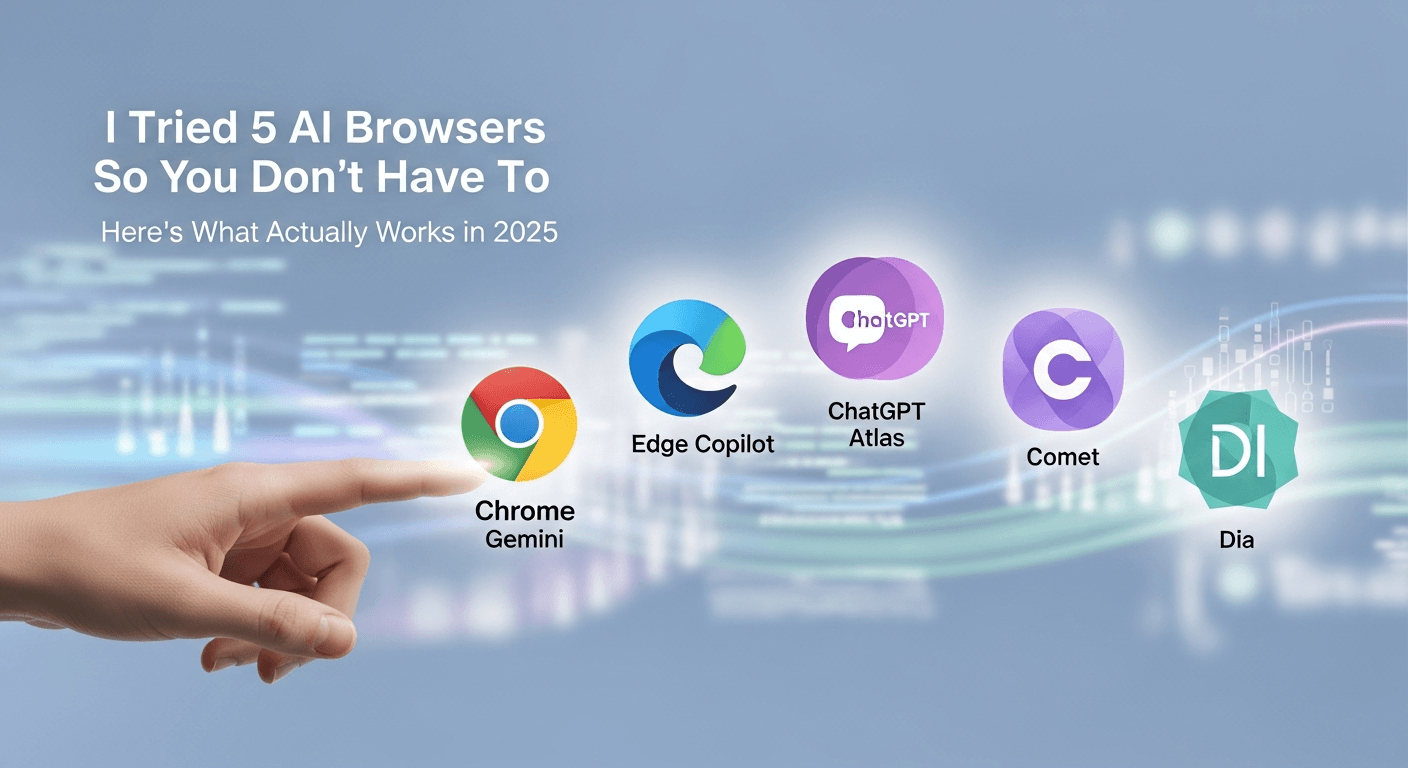
I Tried 5 AI Browsers So You Don’t Have To: Here’s What Actually Works in 2025
I explored 5 AI browsers—Chrome Gemini, Edge Copilot, ChatGPT Atlas, Comet, and Dia—to find out what works. Here are insights, advantages, and safety recommendations.
Read Article


