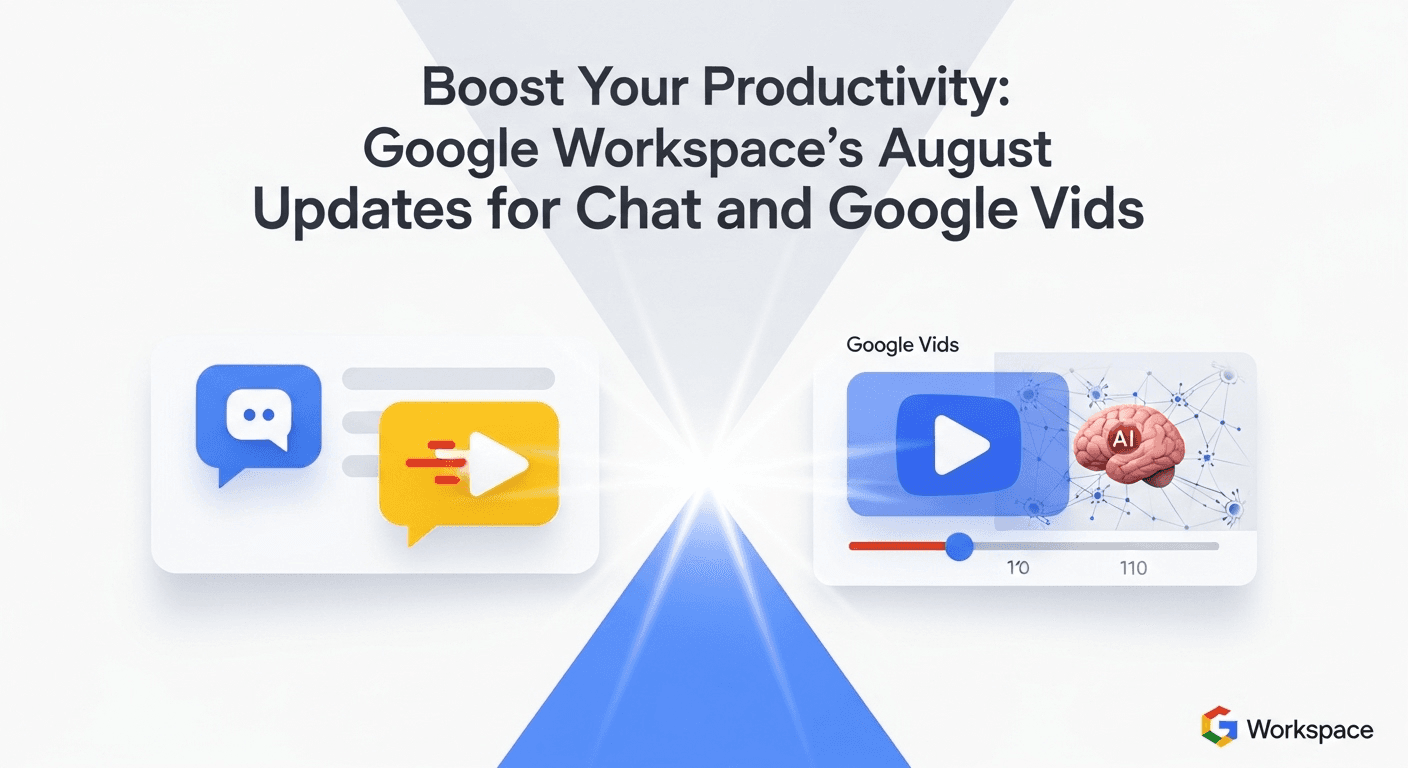
Boost Your Productivity: Google Workspace’s August Updates for Chat and Google Vids
Boost Your Productivity: Google Workspace’s August Updates for Chat and Google Vids
This August, Google Workspace tackles overloaded inboxes, endless chat threads, and the need for visual explanations with exciting updates. Highlighting enhanced catch-up features in Chat and Gmail alongside a generative AI upgrade for Google Vids, these improvements promise to streamline communication and video creation.
Why This Update Matters
Teams often spend significant time trying to catch up. Google’s latest updates aim to minimize that overhead by introducing new features in Gmail and Chat designed to help you get up to speed faster. With generative AI enhancements in Google Vids, creating engaging short videos has never been easier.
These features are being rolled out gradually and may require access to Gemini for Google Workspace or Google One AI Premium. Availability can differ based on your edition and region, so admins and users are encouraged to check Google’s official release notes for the latest details.
Your Quick Takeaway
- Easily catch up in Chat with a new home view and AI-generated summaries.
- Quickly summarize lengthy email threads in Gmail with Gemini to grasp key points instantly.
- Leverage generative AI in Google Vids to transform prompts or outlines into draft videos, complete with scenes and voiceovers.
- Continual enhancements across Meet, Drive, and Docs are in place to minimize unnecessary busywork.
Efficient Catch-Up in Google Chat and Gmail
Google Chat’s Enhanced Overview
The redesign of Chat now allows users to quickly identify critical updates. A new home-style view highlights mentions, action items, and important messages, enabling you to prioritize what needs your attention with fewer clicks.
For more extensive chats, Gemini can summarize crucial points, saving you the need to sift through countless messages. You can request summaries based on a particular timeframe, making it especially helpful for fast-paced, cross-functional channels.
Tip: If you’ve returned from PTO, simply ask Gemini in Chat for a summary of last week’s updates and action items. This way, you can jump straight into the discussions that matter.
For more details on these Chat features, including proactive highlights and Gemini summaries, visit Google’s Workspace Updates blog. These updates are rolling out gradually and will continue to evolve through mid-2024.
Gmail Updates for Quick Skimming
The thread summaries in Gmail, powered by Gemini, are designed to help you avoid the overwhelm of long email exchanges. With just a click, you can access a brief overview of discussions and quickly identify unresolved questions or next steps.
This functionality is available to users with the Gemini for Google Workspace add-on and Google One AI Premium subscribers. Admins can control access using standard Workspace permissions.
Drive and Docs: Small Improvements, Big Impact
While the latest updates focus primarily on Chat and Vids, Google maintains its commitment to refining your everyday tools. The Drive Home view and updated activity listings simplify the overview of changes made during your absence, and Docs now utilizes smart chips and templates for better organization, reducing the number of apps you need to navigate to catch up.
Introducing AI-Powered Google Vids
Google Vids, launched earlier this year as a user-friendly video creation tool, now incorporates generative AI to facilitate rapid video production. This enhancement enables users to create how-tos, team updates, onboarding materials, and quick pitches without requiring advanced editing expertise.
Features of Vids with AI
- Prompt to Storyboard: Begin with a simple prompt or outline, and Vids will suggest a structure, scenes, and on-screen text.
- Auto-Assembly: Create an initial edit with customizable layouts, transitions, and timings.
- Voiceover and Captions: Enhance your videos with AI-generated voiceovers and captions for accessibility and ease of viewing.
- Workspace Integration: Quickly incorporate slides from Google Slides, images from Drive, and recorded clips to enrich your video drafts.
- Real-Time Collaboration: Comment and make adjustments alongside your team in a manner similar to Docs or Slides.
These features complement the broader advancements of Gemini within Workspace. If you’re familiar with the Help Me Write function in Docs or email summarization in Gmail, using Vids will feel intuitive—producing video content that’s easily shareable.
Access and Availability
Vids initially launched for select users in Workspace Labs, and Google continues to expand access via Gemini. Availability will vary based on your edition, region, and admin settings. If you cannot access Vids yet, consult your Workspace admin and check Google’s release notes.
The takeaway? Vids isn’t meant to replace comprehensive video editing software. Instead, it provides a streamlined approach to drafting clear, impactful explanations that can be consumed quickly.
Practical Applications of the Latest Updates
- Project Kickoffs: Summarize your team space every morning in Chat to identify decisions and blockers. Use Vids to create a 90-second overview for stakeholders.
- Onboarding: Encourage new hires to request a summary of last month’s updates from Gemini. Record a Vids walkthrough of your team’s tools and jargon.
- Customer Updates: Use Gmail summaries to find the latest updates in lengthy client threads. Create a brief Vids recap that clients can easily share.
- Internal Training: Transform a process document into a 2-minute Vids explainer with captions for easy skimming or silent viewing.
- Quarterly Reviews: Ask Gemini for recent action items across projects in Chat. Export highlights to Docs, then embed a Vids summary in the document.
Privacy, Security, and Responsible AI
Gemini features in Workspace are designed with existing security and admin controls in mind. Data governance policies, access controls, and DLP settings remain in place, and admins can manage AI features to test changes with a limited group before broad deployment.
As with any generative AI tool, diligent review of outputs is essential. For regulated industries, check with compliance teams and refer to Google’s documentation on data handling and retention before widespread implementation.
Productivity Implications
The central theme of this August update is time savings. With quick summaries in Chat and Gmail, you can quickly get up to date, and Vids allows for easy content creation without the need for extensive editing, freeing you for more focused work.
If your team already actively uses Google Chat or needs to produce repeatable explainers, these new features promise quick dividends. As Gemini evolves, you can expect even sharper summaries and more versatile editing options in Vids.
FAQs
Do I need Gemini for Google Workspace to access these features?
Many of the catch-up features, including Chat and Gmail summaries, require Gemini for Google Workspace or Google One AI Premium. Some UI changes, like Chat’s enhanced home view, do not need Gemini. Be sure to check your edition and admin settings.
When will Google Vids be available in my account?
The rollout for Google Vids occurs in phases. Availability relies on your Workspace plan, region, and whether your admin has granted access to Gemini features. If Vids isn’t visible in your account yet, reach out to your admin and review Google’s release notes.
Are AI summaries reliable for important decisions?
Consider AI summaries as a helpful starting point rather than the final word. They can direct you to the right emails or messages, but always double-check details in the original threads before making decisions.
How does Google ensure security and privacy for Gemini features?
Gemini for Google Workspace complies with your organization’s established security, privacy, and compliance protocols. Admins can control access to AI features, and detailed documentation is available concerning data usage and retention.
What types of videos are best suited for Vids?
Vids is optimized for brief, structured explanations: project updates, how-tos, onboarding videos, concise pitches, and internal training materials. For advanced editing or detailed storytelling, a comprehensive video editor is recommended.
In Summary
The updates in August’s Google Workspace rollout are all about enhancing speed and efficiency. Catch up in Chat and Gmail in mere minutes, and turn your ideas into shareable drafts with Vids. If your team balances multiple projects and needs effective communication, these features can save valuable time and keep everyone aligned.
Sources
- Google Workspace Product Updates
- Google Workspace Updates Blog
- Updates on Google Chat Features
- Google Cloud Blog: New Developments with Gemini for Google Workspace
- The Verge: Introducing AI-Generated Short Videos with Google Vids
- Google Workspace Admin Help: Overview of Gemini for Google Workspace
- Google Workspace Help: Using Gemini in Google Chat – Overview
- Gmail Help: Summarizing with Gemini – Overview
Thank You for Reading this Blog and See You Soon! 🙏 👋
Let's connect 🚀
Latest Insights
Deep dives into AI, Engineering, and the Future of Tech.
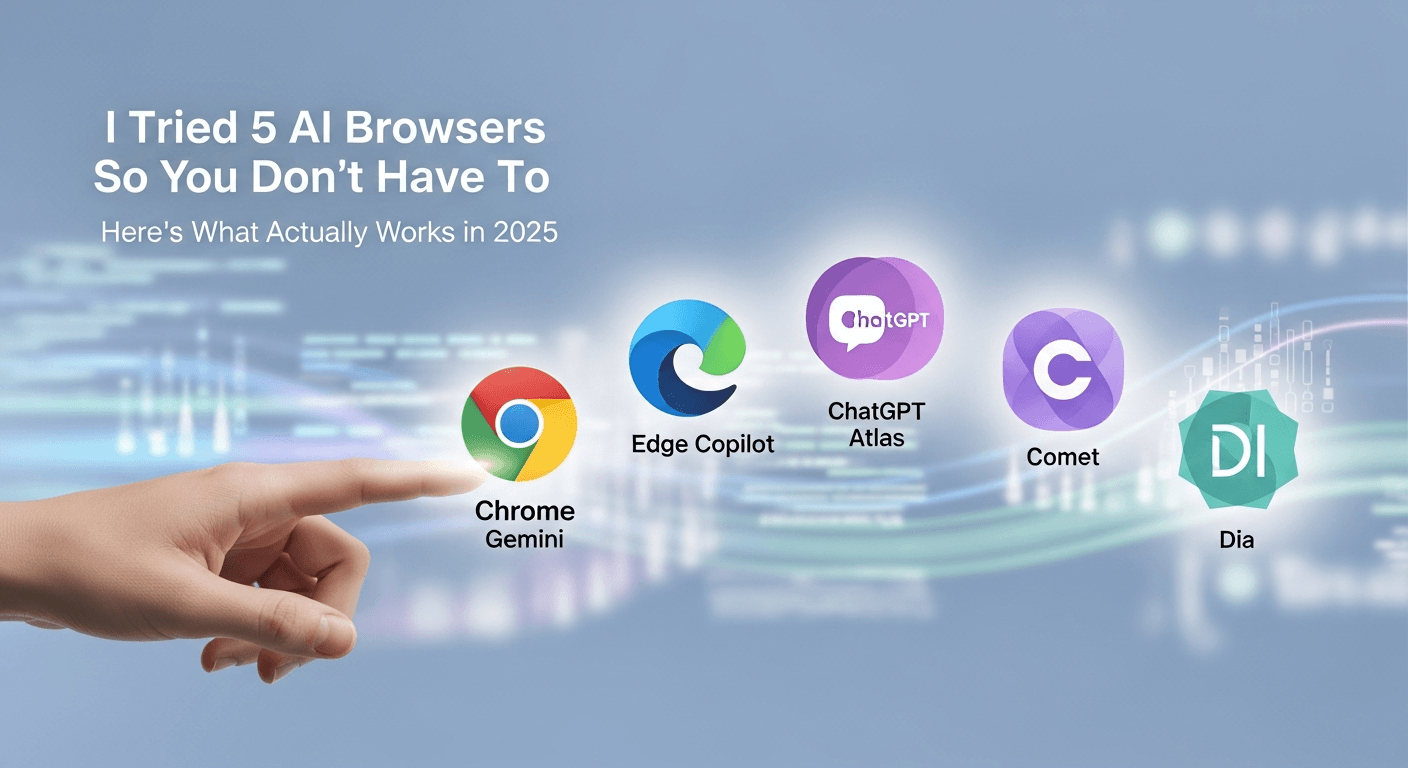
I Tried 5 AI Browsers So You Don’t Have To: Here’s What Actually Works in 2025
I explored 5 AI browsers—Chrome Gemini, Edge Copilot, ChatGPT Atlas, Comet, and Dia—to find out what works. Here are insights, advantages, and safety recommendations.
Read Article


