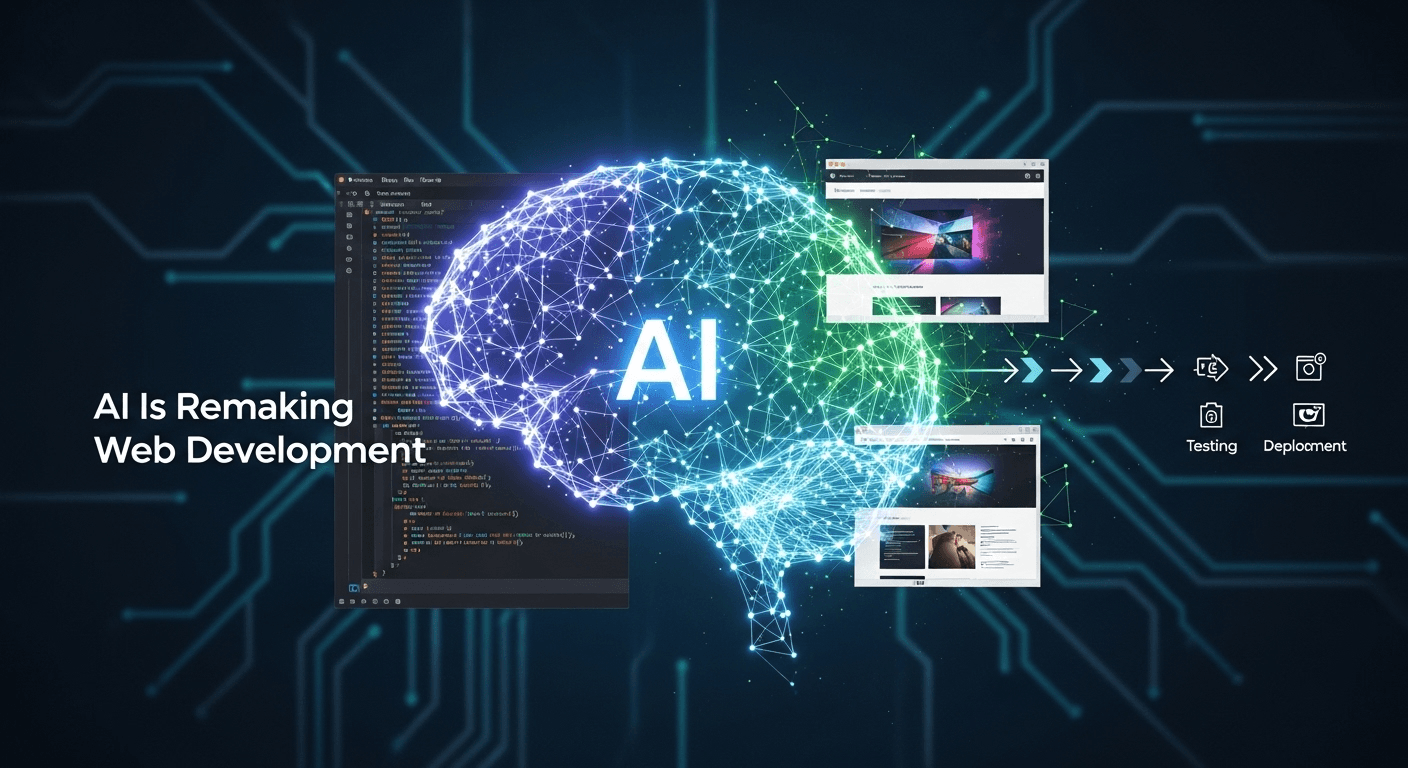
AI Is Remaking Web Development: From Design to Deployment
AI Is Remaking Web Development: From Design to Deployment
Artificial intelligence (AI) has evolved from a novel concept to a fundamental aspect of web development. It’s transforming how teams design interfaces, write code, test features, unleash product releases, and enhance user experiences. This guide highlights current trends, separates hype from reality, and offers insights on responsibly leveraging AI in today’s landscape.
Why AI Matters for the Modern Web
Today’s web is characterized by personalization, speed, and ongoing improvements. Teams are expected to deliver updates weekly, if not daily, and users demand fast, intuitive, and tailored experiences. AI supports these objectives by streamlining workflows, identifying issues proactively, and customizing content for individual users.
The rate of adoption is truly impressive. According to GitHub’s 2023 research, developers utilizing GitHub Copilot completed tasks up to 55% faster than their counterparts who did not use it (GitHub). Additionally, the 2024 Stack Overflow Developer Survey indicates that the majority of developers are either using or planning to incorporate AI tools into their workflows (Stack Overflow).
AI’s influence extends beyond coding to areas such as design, testing, performance, and accessibility. Below, we present a practical, no-nonsense overview of how AI is currently being utilized, its limitations, and guidance on getting started.
What AI Brings to Web Development
1) Faster Prototyping and Enhanced UX Decisions
Designers can quickly translate concepts into workable prototypes thanks to AI-powered tools that suggest layouts, components, and text. Products like Figma AI can create variations, propose content, and assist in repetitive tasks like naming layers and organizing auto layouts (Figma). Framer AI can generate responsive website drafts from natural language prompts, while Uizard transforms sketches into editable UI mockups (Uizard).
These advancements translate into tangible benefits:
- Speed: Transition from product brief to a clickable prototype within the same day.
- Exploration: Easily compare different design options without substantial effort.
- Consistency: Utilize AI to maintain adherence to design tokens, component usage, and content guidelines.
2) AI-Assisted Coding and Code Review
AI coding assistants aid developers in setting up pages, writing boilerplate code, and suggesting functions. Notable tools include GitHub Copilot, Amazon CodeWhisperer, Codeium, and Cursor. When used effectively, these tools significantly speed up routine tasks and minimize context switching.
Evidence supports the claim of considerable time savings: GitHub’s study found that users of Copilot completed common tasks much faster and reported higher satisfaction (GitHub).
Key areas where AI coding excels include:
- Scaffolding: Generate component structures, route files, configuration stubs, and tests.
- Repetitive Code: Handle JSON parsing, form validation, CRUD operations, and API wrappers.
- Refactoring: Suggest more idiomatic solutions or safer coding patterns.
- Documentation: Produce docstrings, function summaries, and usage examples.
However, caution is warranted:
- Hidden Complexity: AI may generate code that seems correct but fails in edge cases.
- Security: Suggestions might overlook input validation or authorization checks.
- Licensing: Generated snippets could resemble publicly available code, so teams should implement tools and policies to detect and manage duplicate content and comply with licensing regulations.
3) Automated Testing and Quality Assurance
Testing is a prime area for AI integration due to its repetitive nature and reliance on pattern recognition. Modern testing platforms now incorporate machine learning to stabilize selectors and adapt tests when UI changes occur. For instance, Testim utilizes AI to maintain stable locators across layout updates (Testim), while mabl provides auto-healing, visual change detection, and reduces flaky tests (mabl).
Developers can also leverage AI assistants to generate unit and integration tests based on code and comments. Additionally, static analysis tools, like GitHub Code Scanning with CodeQL, help identify vulnerabilities and logic errors sooner in the development pipeline (GitHub Docs).
4) Performance Insights and Anomaly Detection
While tools like Lighthouse and Web Vitals remain essential for diagnosing load-time issues (Lighthouse, Web Vitals), AI assists in filtering through noisy telemetry to reveal significant performance regressions. For example, Datadog Watchdog employs machine learning to detect anomalies and link them to potential root causes within logs, traces, and metrics (Datadog). Similarly, New Relic features AI-driven incident intelligence to help reduce alert fatigue (New Relic).
5) Personalization and Content Optimization
Personalization engines effectively match content and products to individual visitors. Retailers leverage AI models to rank products, suggest complementary items, and personalize search results. An example of this is Google Cloud’s Recommendations AI, a managed service designed specifically for this purpose (Google Cloud). When executed properly, personalization can lead to substantial revenue growth: McKinsey has reported that companies adept at personalization experience revenue increases of 5-15% and improvements in marketing-spend efficiency of 10-30% (McKinsey).
Generative models can also produce product descriptions, titles, and meta tags at scale, enabling A/B testing of various alternatives. The key is to maintain human oversight and rigorously measure outcomes.
6) Conversational Interfaces and Support
Chatbots and AI agents can effectively manage routine inquiries, guide users through workflows, and triage support requests. Utilizing retrieval-augmented generation (RAG) enables bots to answer questions based on your own documentation, complete with citations (RAG paper). Customer expectations are on the rise: Zendesk’s 2024 CX Trends report indicates that users increasingly anticipate AI to offer natural, personalized assistance (Zendesk).
7) Accessibility Improvements
AI can create alt text for images, suggest better color contrasts, and identify missing labels. Services like Azure AI Vision and Google Cloud Vision can help generate initial image descriptions, which must then be verified by humans for accuracy and sensitivity (Microsoft Azure). Always align these efforts with the W3C Web Content Accessibility Guidelines (WCAG) and best practices for crafting effective alt text (W3C WAI).
8) Security and Abuse Prevention
Security teams utilize machine learning to swiftly identify anomalies, detect malicious bots, and flag suspicious requests. Cloudflare’s Bot Management system applies machine learning techniques to distinguish between legitimate and harmful traffic (Cloudflare). On the development side, modern static application security testing (SAST) and code-scanning tools help catch insecure coding patterns before merging. Pairing this with the OWASP Top 10 can help ensure that priorities align with common web threats (OWASP).
How AI Reshapes the Developer Workflow
From Brief to Prototype
Consider a product brief, such as, “We need a responsive pricing page integrated with our billing API, along with a chatbot for answering plan-related queries.” A modern workflow might proceed as follows:
- Design: Use Figma AI to create layout variations and component states.
- Content: Generate initial copy and FAQs using an AI model, and refine the tone manually.
- Validation: Conduct quick hallway or unmoderated user tests to identify a preferred direction.
From Prototype to Production
- Scaffold: Leverage an AI coding assistant to generate React components, route definitions, and test stubs.
- Integrate: Prompt the assistant to create typed API clients and implement error handling.
- Test: Use AI to auto-generate unit tests and enable end-to-end tests with adaptive selectors.
- Review: Request a security checklist from the assistant based on OWASP guidelines and your architecture.
- Documentation: Generate component documentation and deployment runbooks.
Operate, Observe, and Improve
- Monitoring: Use AI-driven anomaly detection to identify performance regressions in real time.
- Personalization: Implement on-site recommendations using guardrails and A/B tests.
- Support: Deploy an RAG chatbot that answers queries from your documentation and cites sources.
- Iteration: Incorporate logs and feedback to inform model prompts and refine your product roadmap.
Practical Tools to Consider
- Design and Content: Figma AI, Framer AI, Uizard.
- Code Assistants: GitHub Copilot, Amazon CodeWhisperer, Codeium, Cursor.
- Testing: Playwright, Cypress, Testim (AI locators), mabl (auto-healing).
- Performance and Operations: Lighthouse, WebPageTest, Datadog Watchdog, New Relic Applied Intelligence.
- Personalization: Google Recommendations AI, custom ranking models.
- Security: GitHub Code Scanning (CodeQL), Snyk Code, Cloudflare Bot Management.
- AI on the Edge: Vercel AI SDK for app integration (Vercel), Cloudflare Workers AI for inference at the edge (Cloudflare).
Limits, Risks, and How to Use AI Responsibly
AI possesses immense potential, but it is not a panacea. High-performing teams pair models with robust engineering practices and guardrails.
Hallucinations and Accuracy
Large language models can generate responses that sound plausible but are incorrect. It’s essential to pair them with retrieval from verified sources and necessitate human review for user-facing content. The Stanford AI Index 2024 emphasizes the varying performance of LLMs across benchmarks and the need for diligent assessment (Stanford HAI).
Security and Privacy
Never input sensitive information, private customer data, or proprietary code into tools lacking compliance. Follow the NIST AI Risk Management Framework to identify, assess, and mitigate risks (NIST AI RMF). For consumer products, adhere to privacy regulations like GDPR and transparently disclose automated decision-making when necessary (GDPR).
Bias and Fairness
Models may exhibit biases derived from their training data. Assess outcomes across different user segments and avoid utilizing opaque personalization for sensitive scenarios like pricing or eligibility without rigorous governance.
Licensing and Intellectual Property
Formulate policies regarding the acceptance of AI-generated code. Employ duplicate-detection features where possible, conduct license scans, and mandate reviews for content that will be publicly visible.
Reliability and Vendor Lock-in
Where feasible, abstract model providers behind your API. Log prompts and responses for auditing, and develop fallback procedures for handling outages or reduced quality.
A Practical 30-60-90 Day Plan
Days 1-30: Validate Value on a Specific Issue
- Select a workflow challenge: test flakiness, slow content updates, or repetitive boilerplate.
- Implement one tool and define one success metric: for example, reduce PR-to-merge time by 20% with an AI assistant.
- Establish guardrails: handling secrets, license compliance, and prompt hygiene.
Days 31-60: Broaden the Toolset
- Incorporate AI-assisted testing to stabilize end-to-end tests.
- Introduce a RAG-based chatbot for internal support that references your documentation.
- Integrate performance monitoring with anomaly detection.
Days 61-90: Personalize and Automate
- Initiate simple personalization: rearrange content blocks based on user behavior.
- Automate documentation and change logs with AI, while ensuring mandatory human review.
- Publish an initial AI governance policy and conduct training sessions for your team.
What Comes Next
Three key trends will shape the next wave of AI-enabled web development:
- Multimodal UX: Models capable of interpreting images, audio, and video will enhance searches and assistance directly within applications.
- Agentic Workflows: Task-oriented agents will manage code modifications, testing, and deployments with human oversight.
- On-Device and Private Inference: Expect increased processing to occur on the edge or within privacy-preserving frameworks. Apple’s Private Cloud Compute exemplifies this approach by enabling AI features without disclosing personal data to third parties (Apple Security).
As these capabilities advance, the roles that will undergo the most change will not be those of developers, but rather the tedious aspects of their jobs. The most successful outcomes arise from teams that blend product intuition, clean architecture, and strategic AI application.
Conclusion
AI is revolutionizing web development from end to end: enabling quicker prototyping, smarter coding practices, more robust testing, sharper performance insights, enhanced personalization, and improved support. The benefits are substantial when AI is paired with sound engineering practices and governance. Begin slowly, measure your impact, involve a human touch, and progressively build your AI strategy.
FAQs
Is AI going to replace web developers?
No, AI expedites repetitive tasks but does not replace the essential human roles of product judgment, architectural decision-making, or accountability for outcomes. Teams that integrate human insights with AI tools can deliver faster and with more precision.
Which parts of web development benefit the most from AI today?
Key areas include scaffolding and boilerplate code, test generation and stabilization, documentation, analytics-driven personalization, and conversational support. Each of these facets can deliver quick wins with clear return on investment when evaluated.
How can we ensure the security and compliance of AI-generated code?
Establish policies surrounding sensitive data and qualifications, activate duplicate detection in assistants, enforce rigorous code scanning and dependency checks, and demand human reviews before merging.
Can AI enhance site performance?
Indirectly, yes. AI can identify anomalies within telemetry and recommend probable causes, which can expedite issue resolution. Use Lighthouse and Core Web Vitals for baseline performance while leveraging AI for faster triage.
What is the best way to begin?
Focus on one problem, one tool, and one measurement metric. Validate value within 30 days before expanding. Maintain shared documentation for prompts, policies, and evaluations to ensure scalable practices.
Sources
- GitHub – Quantifying Copilot’s Impact on Developer Productivity (2023)
- Stack Overflow Developer Survey 2024
- Figma – Introducing Figma AI
- Framer AI
- Uizard
- Testim – AI Stabilizers
- mabl – Auto-Healing Tests
- GitHub Docs – Code Scanning Overview
- Chrome DevRel – Lighthouse
- Web.dev – Core Web Vitals
- Datadog Watchdog
- New Relic – Applied Intelligence
- Google Cloud – Recommendations AI Overview
- McKinsey – The Value of Personalization
- Retrieval-Augmented Generation (RAG) – Lewis et al. (2020)
- Zendesk – Customer Experience Trends
- Microsoft Azure – Vision Services Overview
- W3C WAI – Images Concepts
- Cloudflare – Bot Management with ML
- OWASP Top 10
- Vercel AI SDK
- Cloudflare Workers AI
- Stanford AI Index Report 2024
- NIST AI Risk Management Framework
- GDPR – Official Portal
- Apple Security – Private Cloud Compute
Thank You for Reading this Blog and See You Soon! 🙏 👋
Let's connect 🚀
Latest Insights
Deep dives into AI, Engineering, and the Future of Tech.
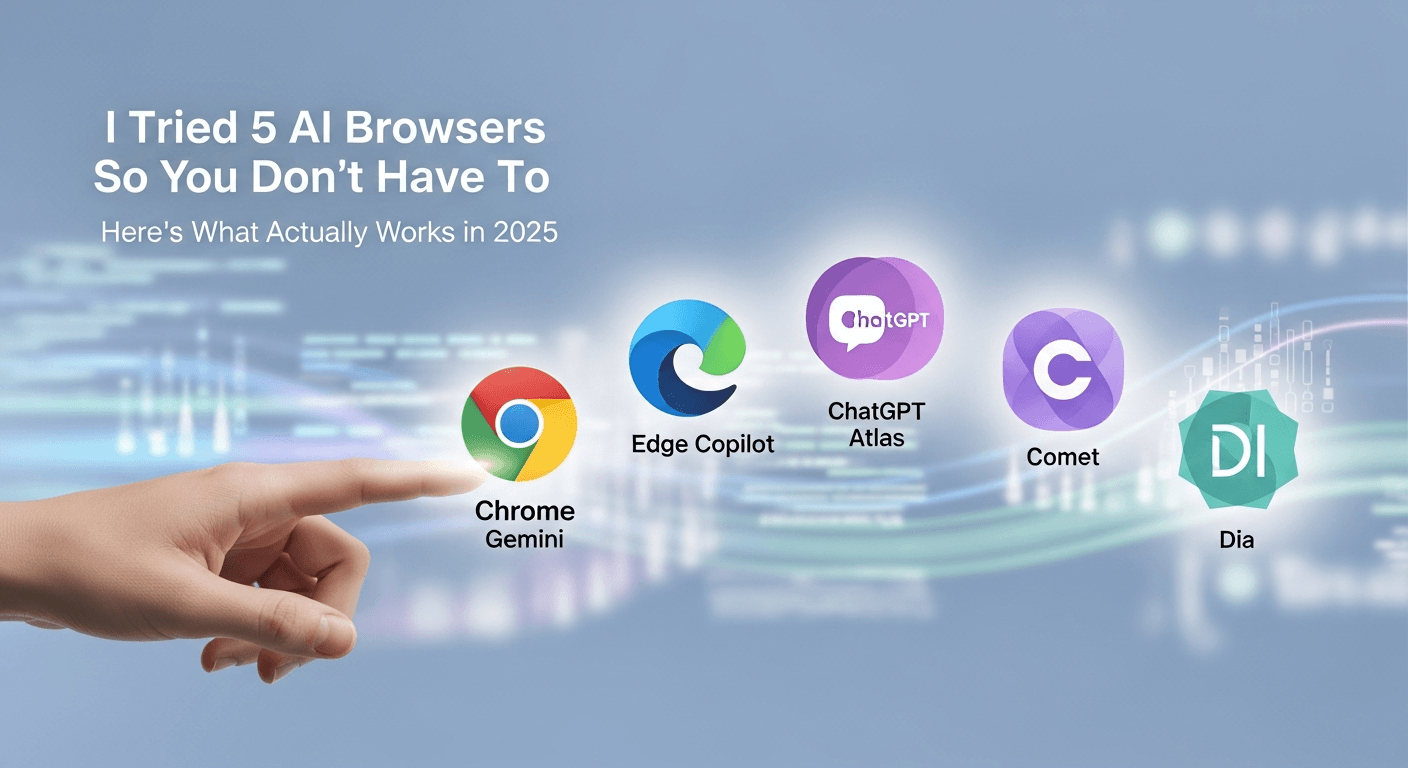
I Tried 5 AI Browsers So You Don’t Have To: Here’s What Actually Works in 2025
I explored 5 AI browsers—Chrome Gemini, Edge Copilot, ChatGPT Atlas, Comet, and Dia—to find out what works. Here are insights, advantages, and safety recommendations.
Read Article


